






11/0620:00
Mexico
 South Africa
Added

Take control of the bracket and predict the road to the trophy.
The Odds Scanner World Cup Simulator lets you map out every possible path through the 2026 tournament. It’s built around the confirmed 48-team format, the new Round of 32, and the updated tiebreaker rules that now put head-to-head results ahead of goal difference.
Use it free to simulate all the World Cup matches, no download needed.
The 2026 World Cup is the first with 48 teams. Sounds like a minor expansion until you realise it means 12 groups, a brand-new Round of 32, and 104 matches crammed into five weeks across three countries.
Keeping track of who needs what result to advance, especially with the eight best third-placed teams also qualifying, is genuinely hard to do in your head. That’s where a simulator earns its keep.
For bettors specifically, here’s where it delivers:
The simulator lets you predict every match in the 2026 World Cup game by game, then watch the bracket update automatically. No account needed.
Pick one of three modes at the top of the screen: Exact Score, Winner/Draw (1×2), or Direct Advance. Each mode feeds into the same live bracket, so you can switch between them depending on how much detail you want to put in.
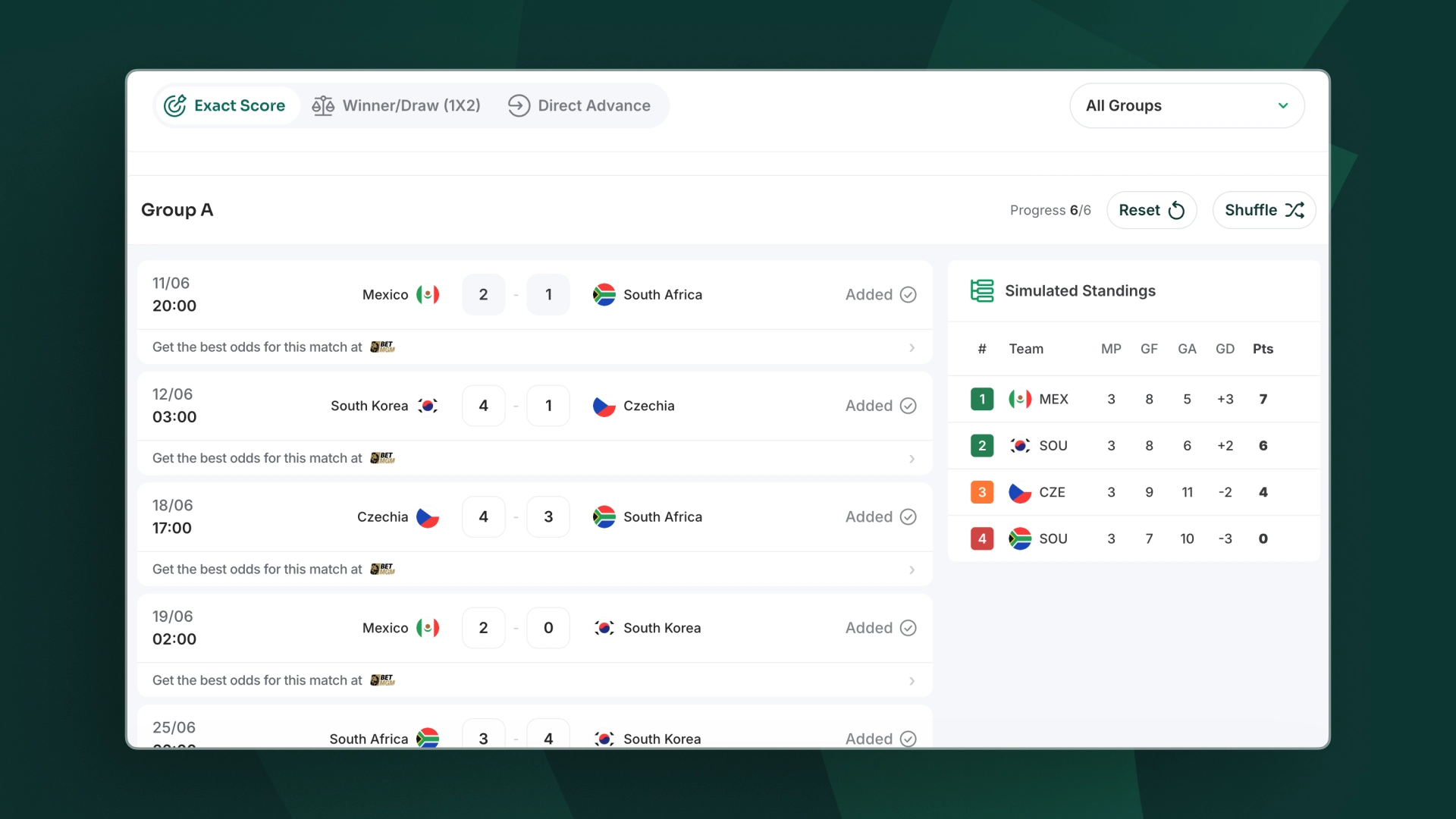
Exact Score is the most hands-on option. You enter a specific scoreline for every match, England 2-1 Croatia, Ghana 0-0 Panama, whatever you fancy, and the simulator figures out group standings and knockout matchups from there. It also gives you autofill suggestions if you’d rather not set all 104 scores by hand.
The autofill is a decent starting point. You can overwrite any suggestion at any time.
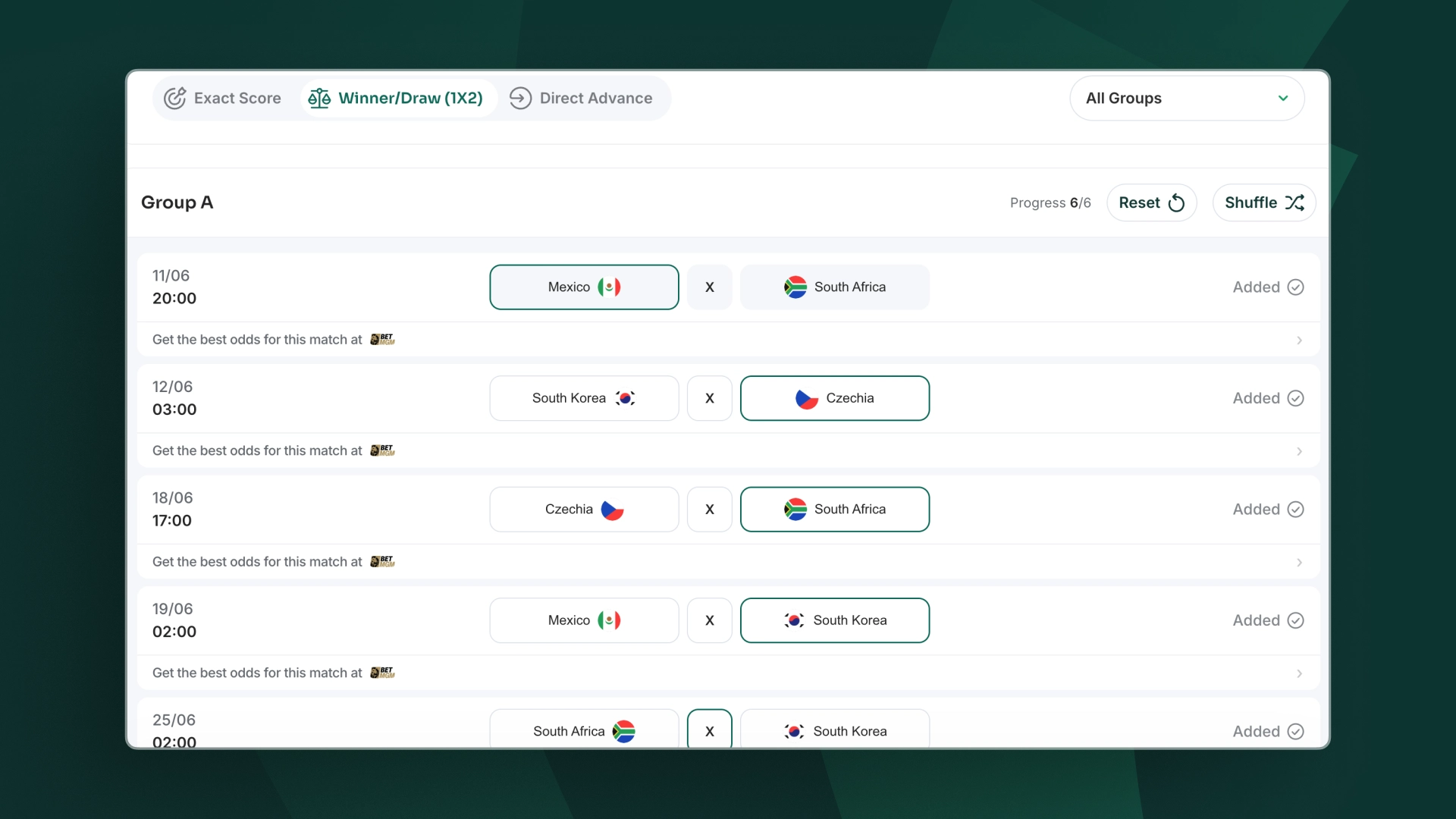
This mode skips the scoreline and focuses purely on outcomes. If you already know what 1X2 means, you’ll be through the group stage in a few minutes. Useful when you want to move quickly without committing to exact margins.
It’s the fastest way to run a full group stage simulation, particularly handy when testing multiple knockout path scenarios back to back.
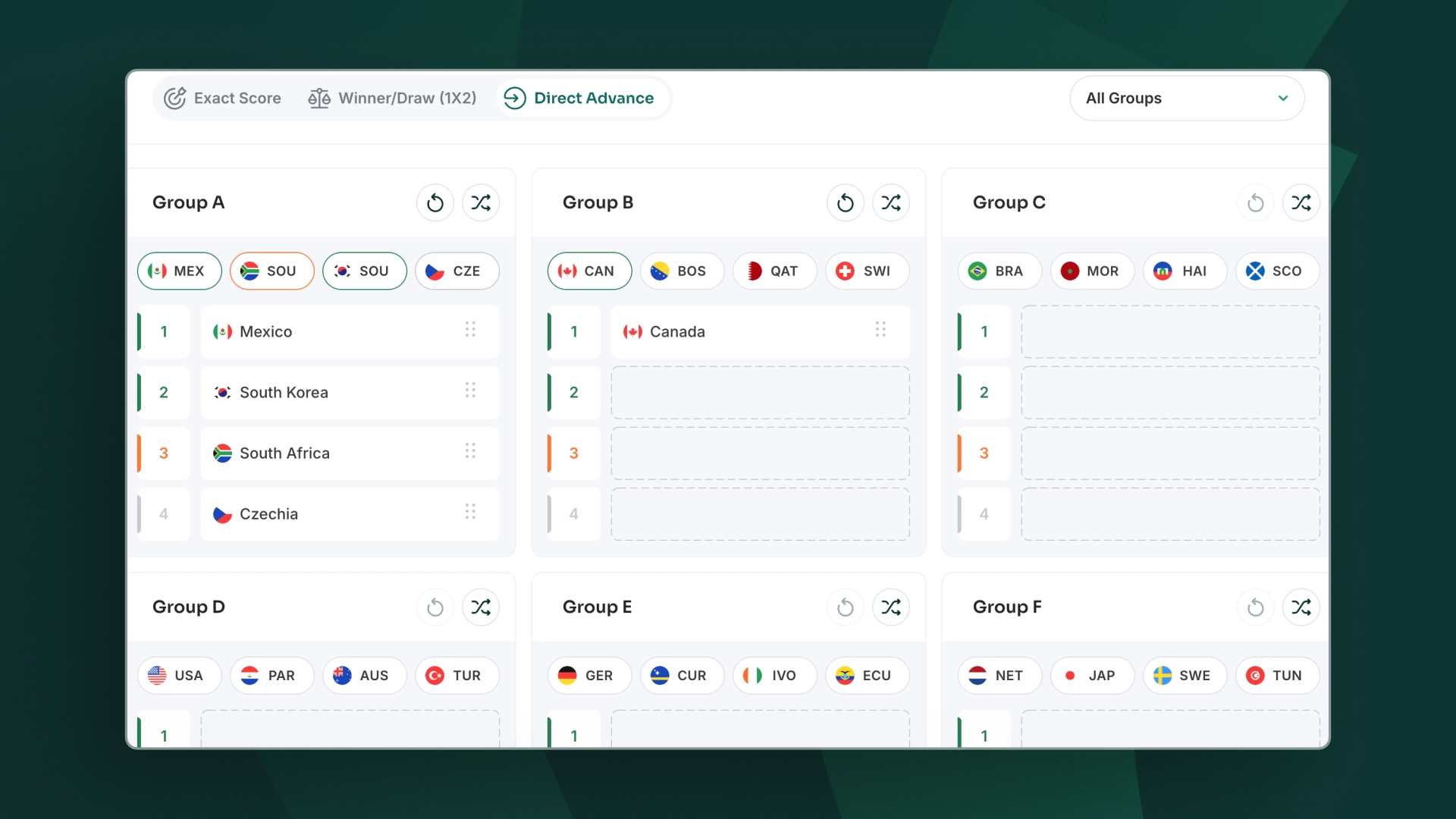
Direct Advance lets you skip match-by-match prediction entirely and assign group positions directly. If you already know how you expect a group to finish and just want to see the knockout implications, this is the one to use.
This mode is useful for quickly testing how different third-place finishers affect the bracket. Given the 495 possible combinations that determine those matchups, you’ll want the simulator doing that maths rather than you.
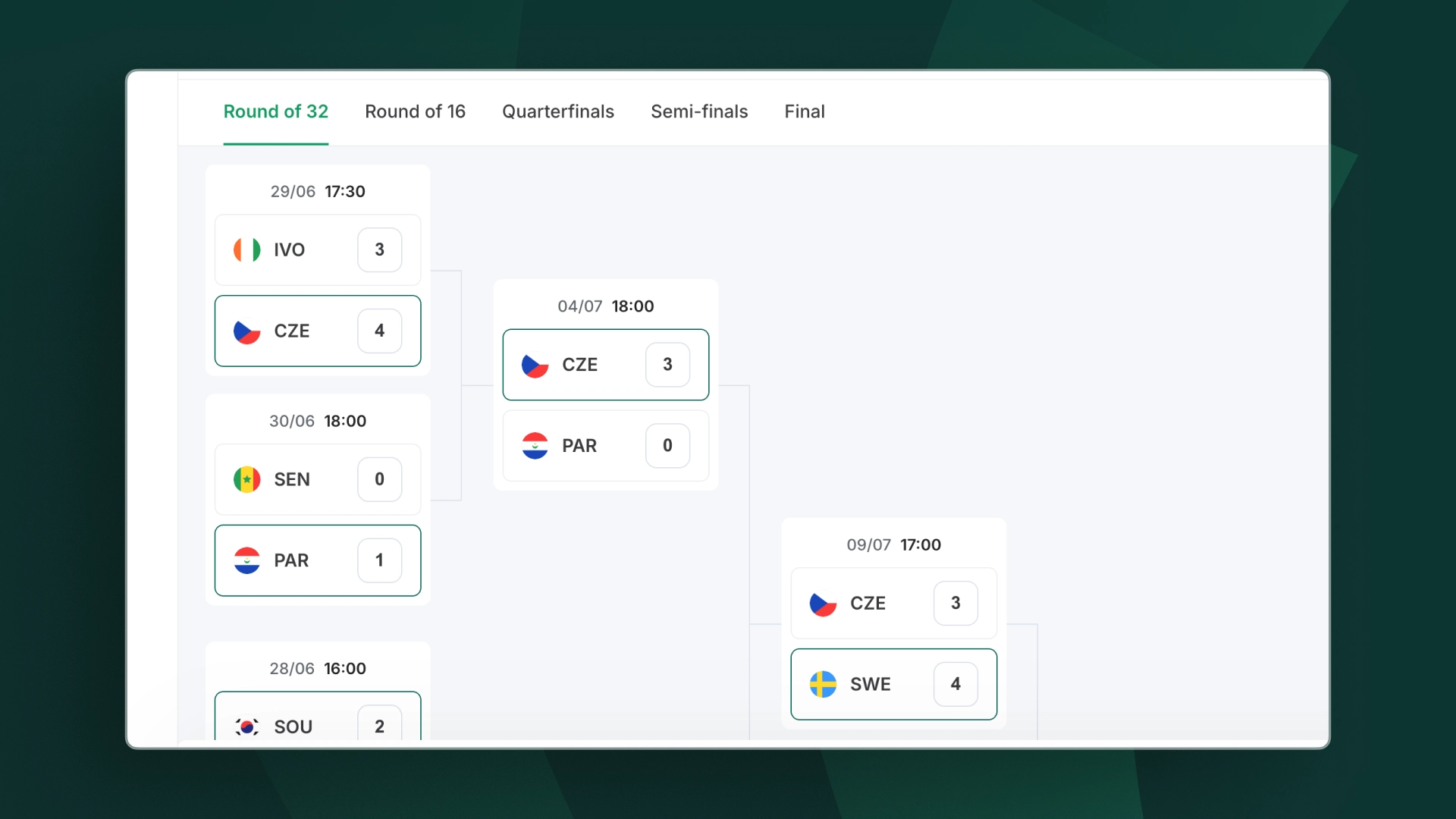
Once you’ve filled in the group stage, the knockout stage simulator takes over automatically. Click Knockout Stage to move on to the next screen, where the full bracket populates based on your group predictions, including the new Round of 32, which is unique to this tournament.
Worth flagging: finishing first versus second in your group can mean the difference between a quarter-final against Spain or a considerably more forgiving route. That’s no small thing when pricing up outright bets.
From there, simulating each knockout round works the same way as the group stage: pick your mode, enter results or select winners, and the bracket advances.
Here’s how to work through it:
The knockout bracket runs all the way to the final on 19 July at MetLife Stadium, New Jersey.
England land in Group L alongside Croatia, Ghana, and Panama. A draw that looks manageable on paper but comes with scheduling quirks worth noting.
Open the simulator, go to Group L, and start with England’s three fixtures: Croatia on 17 June in Dallas, Ghana on 23 June in Boston, and Panama on 27 June in New Jersey.
Enter your predicted results in any mode, and the simulator works out whether Thomas Tuchel’s side finishes first, second, or third, and which Round of 32 opponent that produces.
From there, the knockout bracket handles the rest automatically. Given England are third favourites to win the tournament at +700, running both the first-place and second-place scenarios takes about two minutes and tells you more than any preview article will.
A more useful starting point before placing anything on an outright or match bet, wouldn’t you say?
Go to the simulator at the top of this page, pick a mode, Exact Score, Winner/Draw (1X2), or Direct Advance, and start entering results. The bracket updates automatically as you go, no account needed.
Spain are favourites at +450, followed by France (+500) and England (+700) as of 10 June 2026. Brazil (+800), Portugal (+900), and Argentina (+900) round out the top tier.
The tournament expands to 48 teams across 12 groups, with a new Round of 32. Tiebreakers now prioritise head-to-head results over goal difference, a change that matters when you’re working out who goes through from a tight group. New match rules include a 10-second substitution exit, expanded VAR, and mandatory hydration breaks.
Yes. Select Exact Score mode and enter a specific scoreline for any match. The simulator also gives you autofill suggestions as a starting point if you’d rather not set every result from scratch.
No. The Odds Scanner World Cup Simulator is completely free with no registration required. There are no limits on how many simulations you run.